How to Save and Organize Browser Tabs Into Workspaces
Save Chrome tabs into SuperCommands sessions, links, and workspace collections so recurring browser work stays organized and easy to reopen.
Links
Save Chrome tabs into SuperCommands sessions, links, and workspace collections so recurring browser work stays organized and easy to reopen.
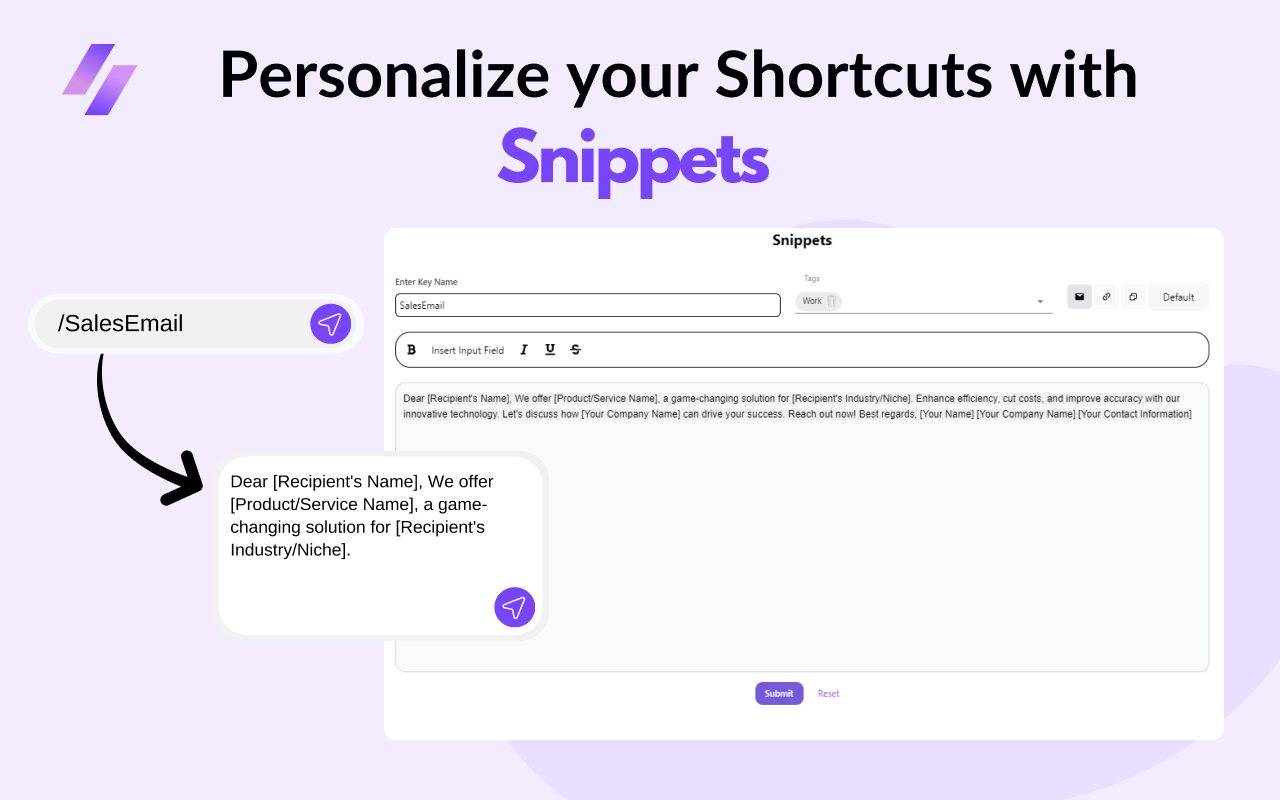
Create text shortcuts in Chrome with SuperCommands by assigning a Text Shortcut to a saved link, note, session, text expander, or command.
Switch between Chrome tabs with keyboard shortcuts, then use SuperCommands search to reopen saved sessions, links, and browser work.
Mute every tab in the current Chrome window with the SuperCommands Mute All Tabs command, then restore audio later with Unmute All Tabs.
Collect open Chrome tab URLs by saving the current tabs as a SuperCommands Link collection, then reviewing or copying the saved URLs from one place.
Open multiple URLs together in Chrome by saving them as a SuperCommands Link collection or Session, then launching them from search.
Compare SuperCommands with image downloader extensions for page image downloads, screenshots, table exports, saved links, notes, sessions, and broader browser workflows.
Compare SuperCommands with text expander extensions for snippets, saved links, sessions, notes, screenshots, exports, shortcuts, and everyday browser commands.
See which everyday Chrome extension categories SuperCommands can replace for simpler browser work, including tab savers, screenshot tools, text expanders, table exporters, image downloaders, and link...
A practical list of browser tasks SuperCommands can handle from one Chrome extension, including links, sessions, notes, shortcuts, screenshots, images, tables, and tab commands.
SuperCommands is an all-in-one Chrome extension for small browser tasks like opening saved links, saving sessions, reusing text, screenshots, downloads, and exports.
SuperCommands brings saved links, sessions, notes, snippets, screenshots, exports, image downloads, table downloads, and shortcuts into one browser command bar.
Use SuperCommands as a Chrome command palette for saved tabs, links, text snippets, screenshots, exports, downloads, and browser actions.
See when SuperCommands can replace separate browser extensions for tabs, snippets, screenshots, image downloads, table exports, links, and notes.
Use SuperCommands as one Chrome extension for everyday browser commands like links, sessions, screenshots, table exports, image downloads, notes, and shortcuts.
A practical way to collect webpage images with SuperCommands, plus small cleanup habits that keep downloads usable.
Bulk image download workflow for browser pages using SuperCommands, with simple habits for clean folders and fewer duplicate files.
A short workflow for exporting webpage tables with SuperCommands, plus checks that prevent messy CSV and spreadsheet imports.
How to avoid broken rows, merged cells, and weird pasted formatting when moving a webpage table into a spreadsheet.
A practical full-page screenshot workflow for Chromium browsers using SuperCommands and built-in browser habits.
Capture long webpages without manual stitching, with simple page-prep habits that make full-page screenshots cleaner.
A practical tab cleanup workflow using SuperCommands sessions, saved links, notes, and simple browser habits.
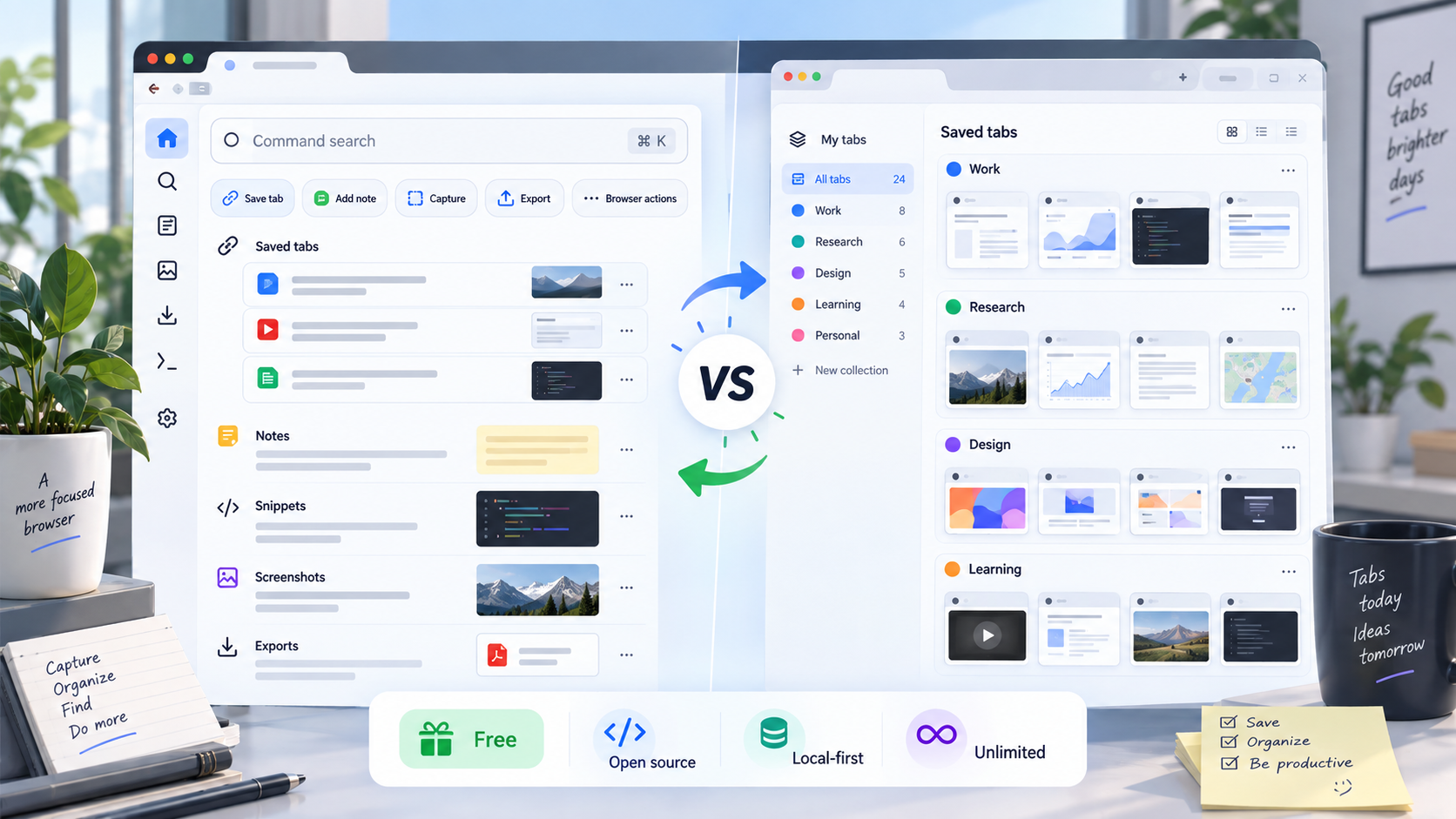
Compare SuperCommands with Toby for saving tabs, organizing browser work, command search, local-first storage, open-source access, and pricing.
How to turn recurring browser setups into reusable tab sessions with SuperCommands and a few naming habits.
Keyboard-first browsing basics with SuperCommands, browser shortcuts, and a small set of habits that save clicks.
Create faster access to frequent websites using SuperCommands saved links, text shortcuts, and browser-level habits.
Useful Chromium browser habits with SuperCommands, keyboard shortcuts, tab cleanup, screenshots, and web data capture.
Ten practical browser habits using SuperCommands, shortcuts, sessions, snippets, screenshots, and cleaner tab workflows.
Fast keyboard habits for browser navigation, SuperCommands search, saved links, sessions, snippets, and tab cleanup.
Use one browser command bar to find saved sessions, links, notes, snippets, and commands without switching tools.
Turn frequent websites and deep app pages into searchable keyboard commands with SuperCommands.
A practical setup for using Chrome with fewer clicks through SuperCommands, saved links, sessions, snippets, and shortcuts.
Bring the Command+K habit to browser work with SuperCommands search, saved sessions, links, notes, and actions.
Use SuperCommands to run browser actions like screenshots, table export, image download, saved links, and sessions from search.
A practical no-code browser automation approach using SuperCommands, sessions, links, snippets, exports, and screenshots.
Ten practical browser automation habits using SuperCommands commands, sessions, snippets, screenshots, and exports.
Compare the best image downloader extensions for Chrome, Edge and Brave, including tools for bulk downloads, filters, naming, screenshots, and browser workflows.
Compare the best table downloader extensions for exporting webpage tables to CSV, Excel, Google Sheets, and everyday browser workflows.
Compare full-page screenshot extensions for browser capture, PDF export, annotation, QA, research, and command-based workflows.
Compare SuperCommands with Tab Manager extensions for saved sessions, open tabs, shortcuts, browser commands, pricing, and workspace fit.
Compare the best tab manager extensions for saved sessions, tab cleanup, workspaces, collections, search, and browser productivity.
Compare text expander extensions for snippets, templates, browser writing, autofill, teams, and command-based productivity.
Compare browser command palette extensions and keyboard-first tools for launching commands, saved links, snippets, tabs, and browser actions.
Compare SuperCommands with screenshot extensions like GoFullPage for full-page capture, pricing, open-source access, and broader browser workflows.
Compare keyboard shortcut extensions for browser navigation, custom commands, tab control, saved work, and power-user workflows.
Compare SuperCommands with Raycast for browser commands, quick links, snippets, notes, tab context, AI workflows, open-source access, and pricing.
Compare keyboard-first browser extensions for link hints, command bars, tab search, shortcuts, snippets, and no-mouse workflows.
See where SuperCommands fits as a free web data extractor for tables, images, screenshots, exports, and browser command workflows.
A practical list of Chrome extensions for power users: commands, tabs, shortcuts, screenshots, password management, ad blocking, notes, and saved workflows.
Compare the best browser productivity extensions in 2026 for commands, tabs, writing, screenshots, passwords, focus, bookmarks, and automation.
A practical guide to the best image downloader for Chrome, Edge and Brave, with a simple comparison of SuperCommands, Fatkun, Imageye, and Download All Images.
Compare SuperCommands with Workona for browser workspaces, tab sessions, links, notes, command search, open-source access, and pricing.
Compare SuperCommands with Data Miner for browser data extraction, table exports, recipes, automation, pricing, and everyday browser workflows.
Compare the best table extractor options for Chrome, Edge and Brave, including SuperCommands, Table Capture, Instant Data Scraper, Data Miner, and Web Scraper.
Find the best full-page screenshot tool for browser workflows, including SuperCommands, GoFullPage, Awesome Screenshot, FireShot, and built-in browser capture.
Compare SuperCommands with Instant Data Scraper for quick web data exports, table downloads, browser commands, pricing, and practical workflow fit.
A practical guide to the best browser tab manager for power users, comparing SuperCommands, OneTab, Toby, Workona, Tab Manager Plus, and Session Buddy.
Compare SuperCommands with TextExpander for Chrome snippets, reusable text, browser workflows, open-source access, free usage, and pricing.
Compare the best browser workspace managers for tabs, resources, notes, tasks, commands, saved links, and project-based browsing.
Compare SuperCommands with table downloader extensions for exporting webpage tables, saving browser work, and keeping core usage free and unlimited.
Compare the best text expander options for Chrome, Edge and Brave, including SuperCommands, Text Blaze, Magical, TextExpander, and Espanso.
Find the best command palette for Chrome, Edge and Brave, with a practical comparison of SuperCommands, Vimium, Surfingkeys, Shortkeys, and Raycast.
Compare SuperCommands with Text Blaze for Chrome snippets, reusable text, dynamic templates, browser commands, free usage, and pricing.
Compare the best Raycast alternative for Chrome and Edge users who want command search, saved browser work, snippets, links, sessions, screenshots, and exports.
Compare SuperCommands with Image Downloader for saving webpage images, reviewing assets, avoiding extra tools, and keeping browser commands in one open-source workspace.
Compare browser command launchers for power users, including SuperCommands, Vimium, Surfingkeys, Shortkeys, Raycast Browser Extension, and Workona.
A practical guide to the best keyboard-first browser extension for no-mouse browsing, command search, saved links, snippets, tabs, screenshots, and exports.
Compare SuperCommands with Magical for browser productivity, text templates, autofill automation, snippets, saved links, open-source access, and pricing.
Find the best free unlimited image downloader for everyday browser work, with practical tradeoffs between SuperCommands, Fatkun, Imageye, and Download All Images.
A practical guide to choosing a free open-source image downloader for Chrome and Edge, with SuperCommands as the browser-workflow option.
Compare free table extractor options for browser users, including SuperCommands, Table Capture, Instant Data Scraper, Data Miner, and Web Scraper.
Compare SuperCommands with Vimium for keyboard-first browsing, command search, tab workflows, saved links, browser actions, open-source access, and pricing.
A simple guide to free open-source table extraction for Chrome and Edge, with SuperCommands for everyday CSV exports from browser tables.
Compare the best free full-page screenshot extension options, including SuperCommands, GoFullPage, browser capture tools, and annotation-focused screenshot apps.
Compare the best free tab manager options for Chrome, Edge and Brave, including SuperCommands, OneTab, Toby, Workona, and browser tab groups.
Compare SuperCommands with OneTab for tab saving, tab lists, sessions, links, notes, search, open-source access, free usage, and pricing.
Compare the best free text expander options for browser users, including SuperCommands, Text Blaze, Magical, TextExpander, and Espanso.
Find the best free command palette for Chrome, Edge and Brave, with a practical comparison of SuperCommands, Vimium, Surfingkeys, and Shortkeys.
Compare open-source browser command palette options for saved work, keyboard navigation, shortcuts, snippets, sessions, screenshots, and browser commands.
A practical guide to the best free browser productivity extension for power users who need commands, tabs, snippets, screenshots, exports, and saved work.
Use SuperCommands Notes to save short text in workspace folders, add tags and shortcuts, and open the right note from search or Board View.
Use SuperCommands Links to save important websites, pages, and tab groups, then open them again from search, shortcuts, todos, or widgets.
Search browser bookmarks from SuperCommands and open the right saved page without digging through browser folders.
Create ordered link collections from tabs, bookmarks, history, saved files, or custom URLs, then launch them from SuperCommands search.
Find saved notes, links, text expanders, todos, bookmarks, commands, agents, and prompts from one SuperCommands search surface.
Create notes with titles, descriptions, folders, tags, and shortcuts so important text is easy to find later.
Use Alt + S on an active webpage to search saved SuperCommands items and run page-aware commands like screenshots, image downloads, and table downloads.
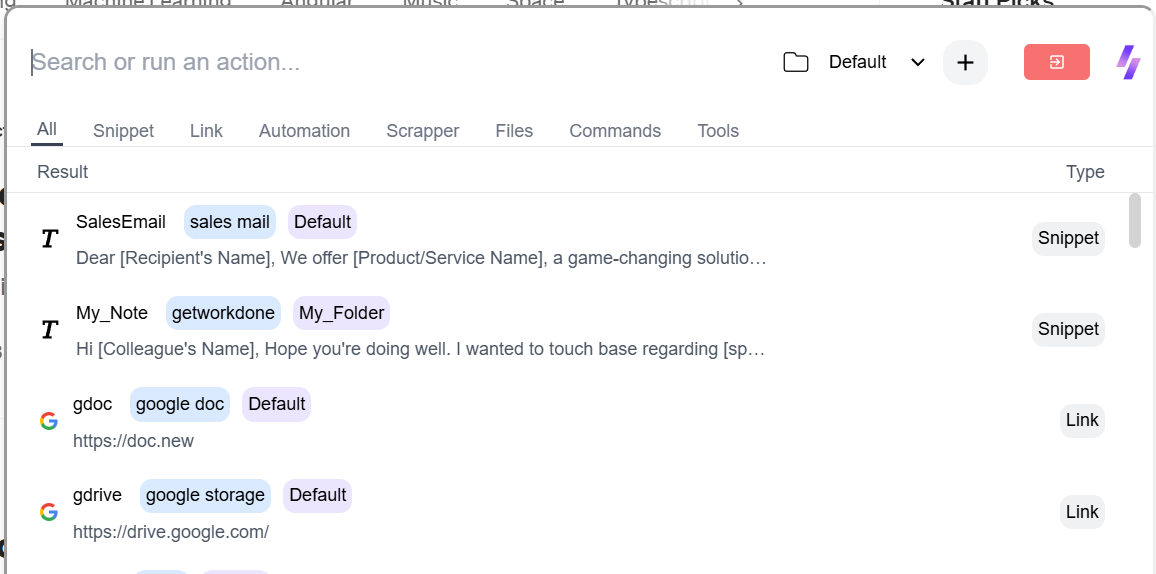
Use SuperCommands to save reusable text, notes, and link collections with folders, tags, shortcuts, and fast search.